One post, all your listings
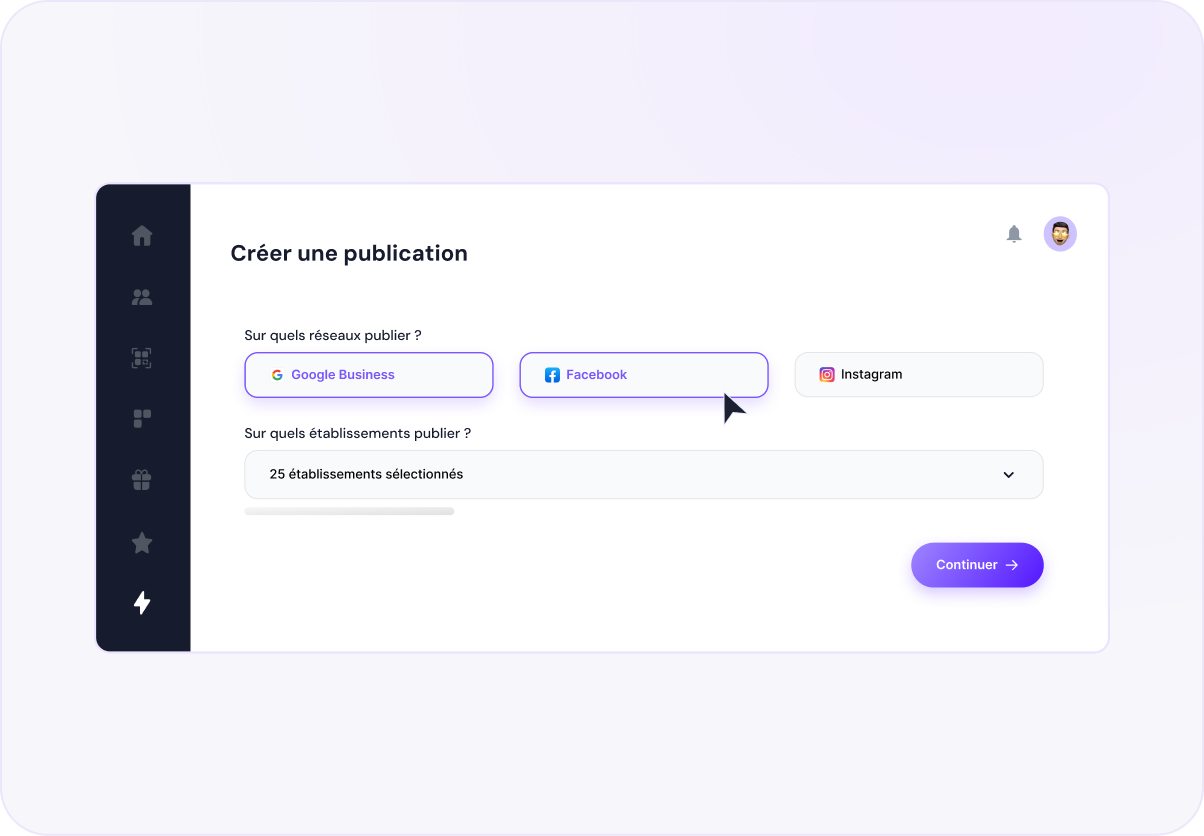
Copy and photos go out to every location with its name, address and link. You only write it once.
Google My Business posts (now Google Business Profile), Facebook, Instagram and each of your locations. Up Review suggests post examples matched to your business, adapts them to each network, reframes your photos and shows you the result before it goes out.
Copy and photos go out to every location with its name, address and link. You only write it once.
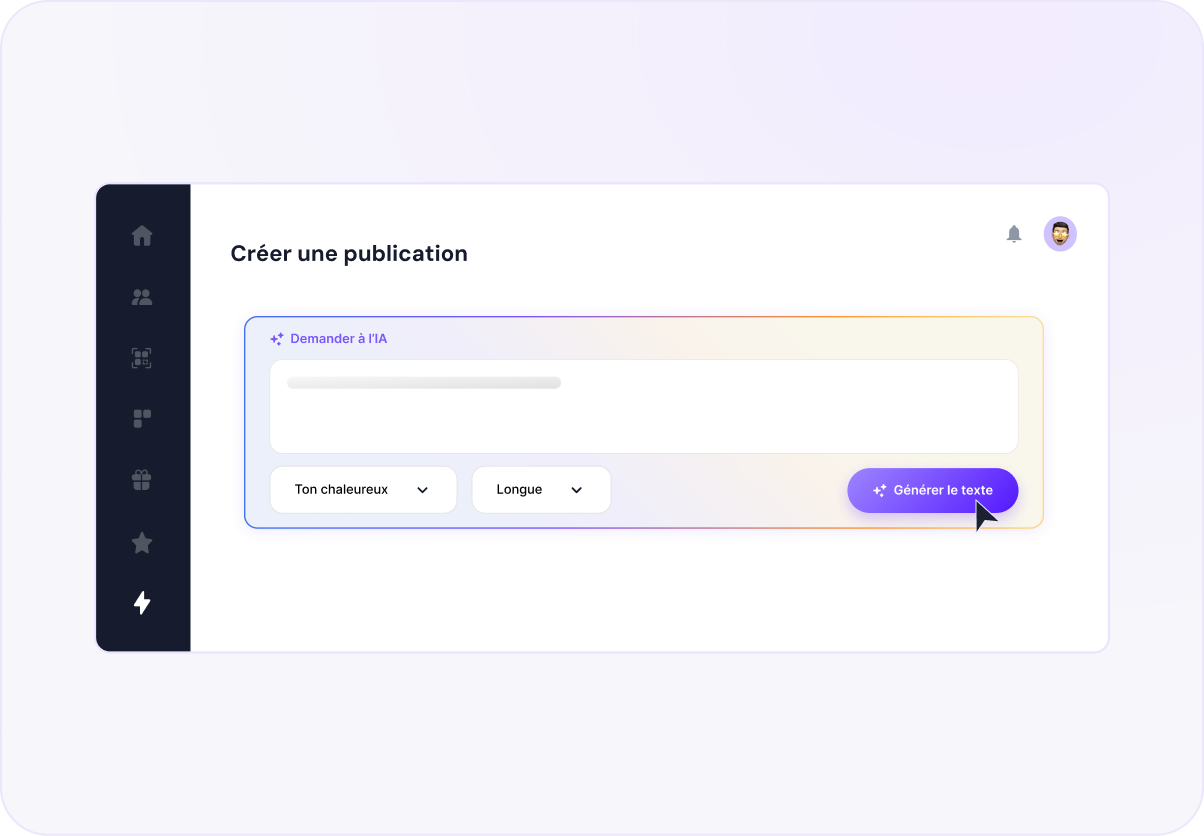
A topic, a tone, a length. The copy arrives written, and re-adapts itself to each network's limits.
Preview network by network before sending. Published, scheduled or failed: you always know where each post stands.
Each listing gets its own version, with its address, opening hours and booking link.
Pick your networks, tick your locations, write. Up Review creates one post per listing and swaps in the name, city and address. A location wants its own version? It writes its variant, the shared message stays put.
Type your topic, pick a tone and a length. The AI pulls in the location's name, activity and opening hours to write something credible, then re-adapts the copy network by network, within each one's character limits. No photo on hand? Generate one.
Candlemas, World Bread Day, the launch of the season's specials: the dates that matter in your trade are already on the calendar, with a post idea beside them. You click, the draft opens. Your closing days are greyed out, and if two posts would clash on the same day on the same network, you're warned before sending.

Drop in your photos, pick a publishing cadence and Up Review posts them to your networks. You follow the progress and take back control whenever you want.
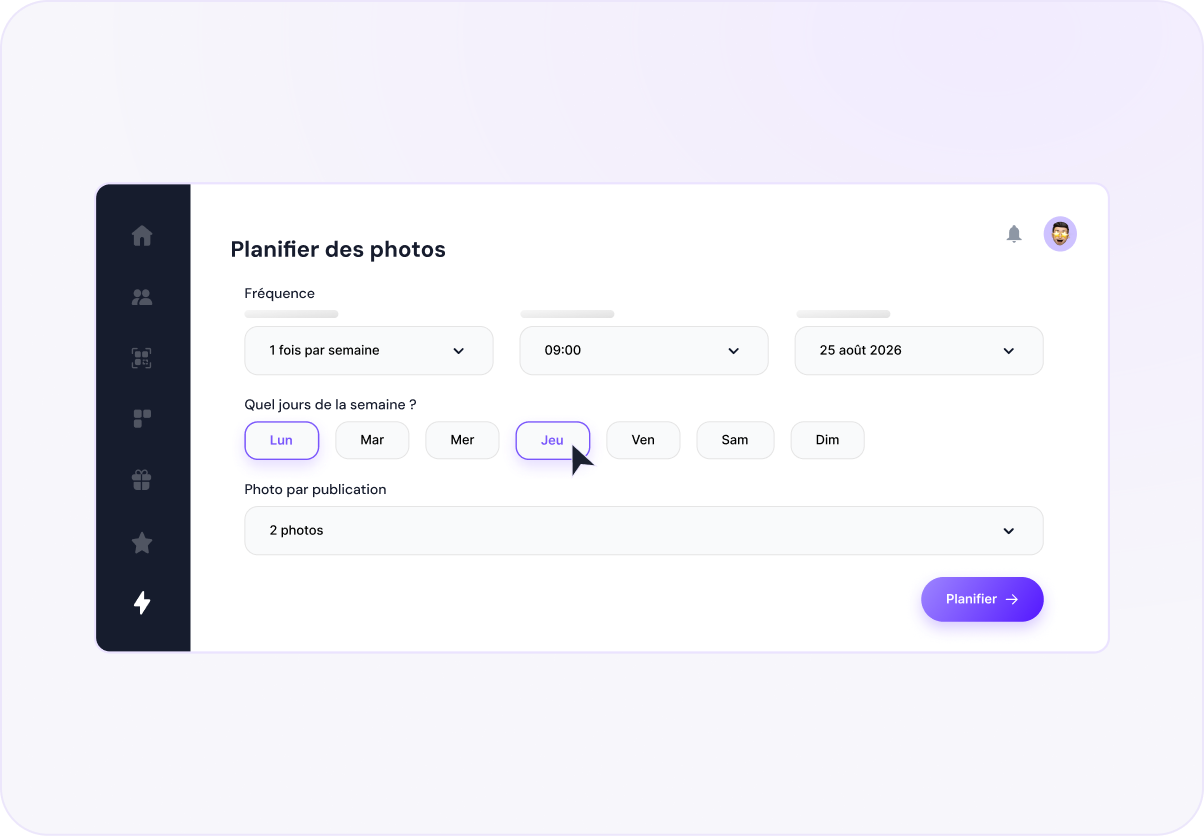
One post done right beats three forgotten ones. Write the first, we handle the distribution.
Six tools to dominate your local visibility, brought together in a single platform.
AI can make mistakes. Always check before acting.
We use cookies to measure site traffic and improve our campaigns. You can accept, decline, or choose precisely. Privacy policy