One single QR Code for all your marketing
You create one QR code. You choose where it leads. You change the destination whenever you want, without touching the printed QR code.
One QR Code to display in your shop, on the counter, the table or the receipt. You change its destination whenever you want: Google reviews, menu, contest or social media. Your customers scan, you stay in control.
What your customers do when you make their life easier.
of restaurants have switched to a digital menu through a QR code. Your customers already expect it. Might as well use it to collect Google reviews too.
Google review contests get shared on social media when they are accessible through a QR code.
average conversion rate when using a QR code in a Google review contest campaign.
You create one QR code. You choose where it leads. You change the destination whenever you want, without touching the printed QR code.
Three steps. No technical skills required.
Colors, shapes, logo: your QR code looks like your brand, not like the one at the shop across the street.

Google reviews, menu, social media: you decide where it leads. And you can change your mind at any time.
High-quality PNG, JPG or PDF. Print it on a table, a storefront, a business card, or share it online.
Take back control of your online reputation and improve your customer satisfaction with our custom QR code solution!
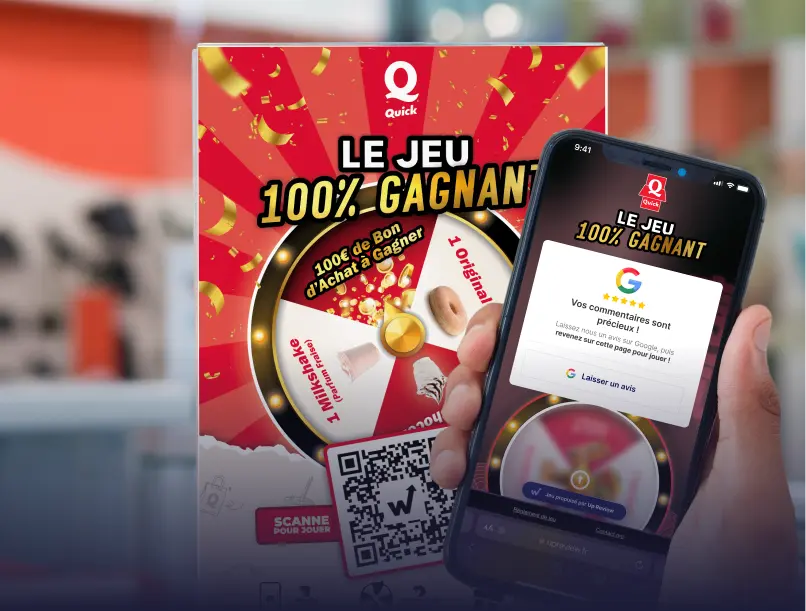
Use the QR Code with a Google review contest
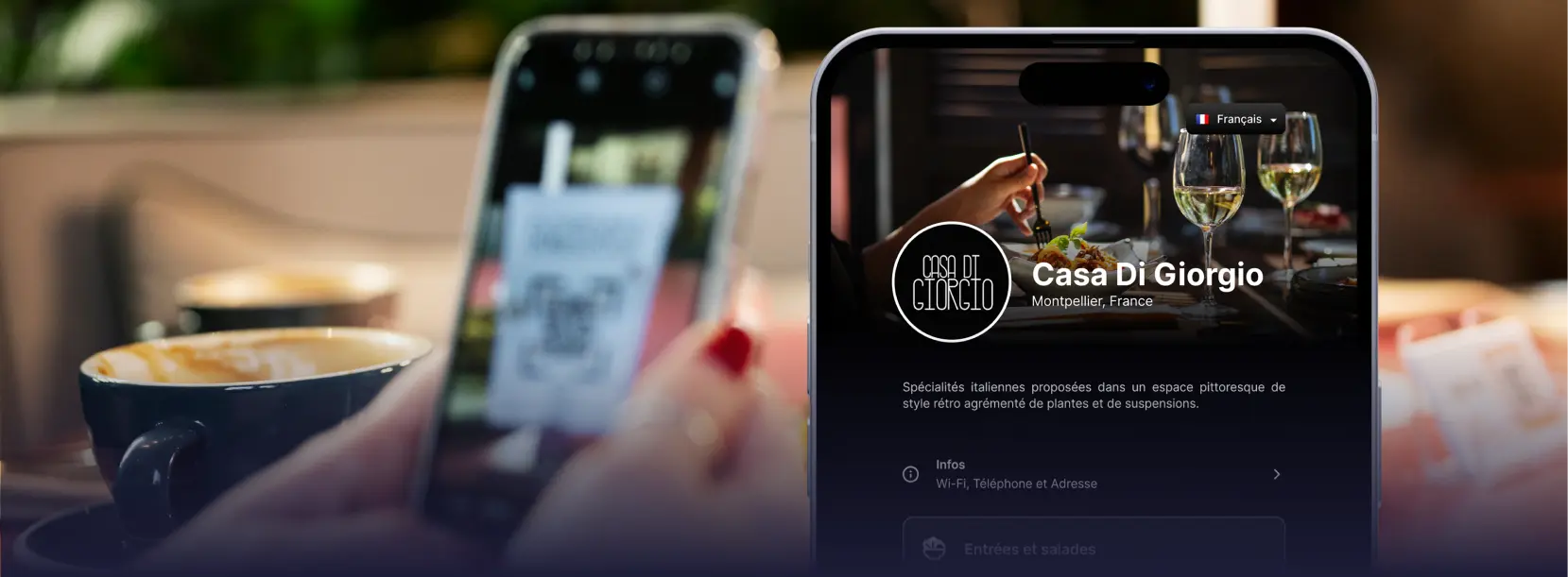
Use the QR Code with a digital menu
Six tools to dominate your local visibility, all in one single platform.
AI can make mistakes. Always check before acting.
We use cookies to measure site traffic and improve our campaigns. You can accept, decline, or choose precisely. Privacy policy
 Google Reviews
 Menu
Menu Facebook Followers
 Google review contest
 Instagram Followers
 TripAdvisor Reviews