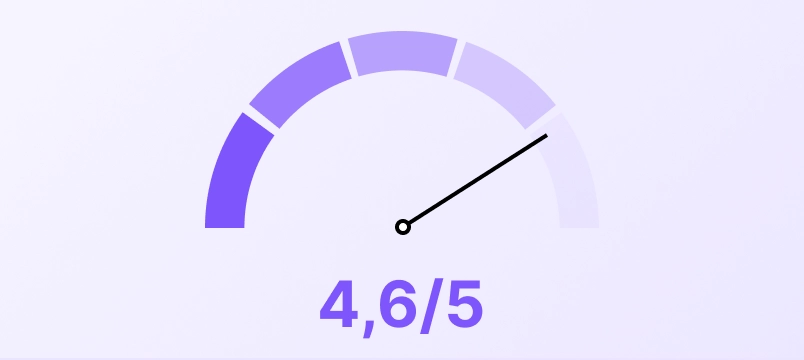
Satisfaction survey

Collect your customers' feedback with a satisfaction survey

Your customers answer within seconds, from a QR code or an SMS. You get honest feedback, you fix what needs fixing, and you turn happy customers into Google reviews.

Surveys that help you improve your business

Get your customers to answer and learn what they really think

What did you think of the welcome?

12345678910

Were you served well and on time?

YesNoOther

Would you recommend us to someone close to you?

😖😕😐🙂😄

One thing we could improve?

Enter your answer

How was your visit today?

How does it work?

From creation to analytics, everything runs from your dashboard. No technical skills required.
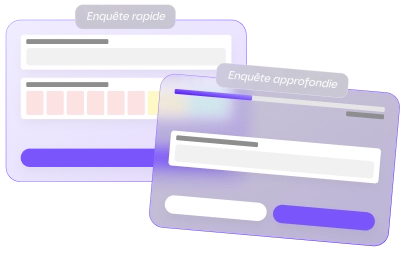
Choosing a survey template in Up Review

1. Choose your survey template

Start from a ready-made template built for your industry, or build your survey from scratch. Up to you.
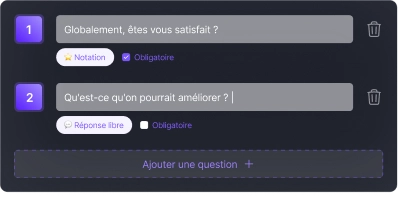
Up Review survey question editor

2. Write your questions

Rating out of 5, NPS, multiple choice, free text. Keep the survey focused: every question you remove doubles your chances of getting an answer.
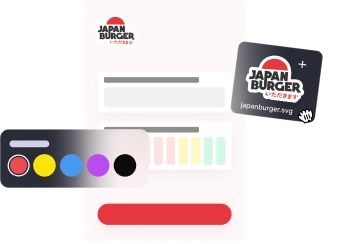
Customizing the design of an Up Review survey

3. Customize your survey design

Colors, logo, welcome message. Your customers recognize your business at first glance.
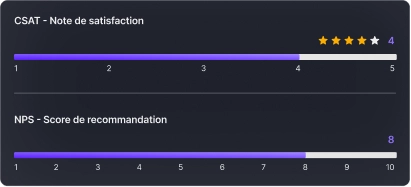
Rating-based redirect rules in Up Review

4. Set your redirect rules

Above a rating you define, the customer is invited to leave a Google review. Below it, the feedback stays private and you get alerted.
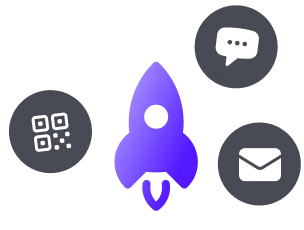
Sharing a survey via QR code, SMS or email

5. Share your survey

QR code, SMS campaign or email after checkout. Pick the channel where your customers really are.
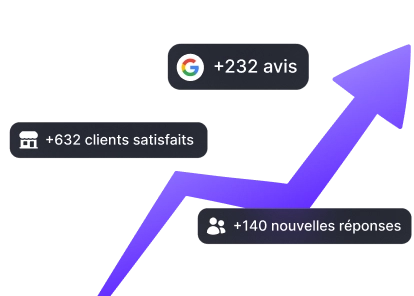
Up Review survey results dashboard

6. Track your results live

Average rating, trends, verbatim feedback, recurring weak points. You know what to fix, and you can measure whether it works.


How does it work?

Once your survey is set up, it is the easiest thing there is to use.

1Survey notification received by SMS

Your customers receive the survey

By SMS, by email, or by scanning a QR code at your place of business. They go straight to your survey, with no account to create and no app to download.

2Customer answering a survey on their phone

They answer in a few seconds

A handful of short questions, tailored to your business. Run a quick 2-question check-in or a more in-depth satisfaction survey.

3Satisfaction score received live in the dashboard

You get the feedback live

Happy customer: they are invited to leave a Google review. Unhappy customer: you are alerted immediately so you can reach out to them.

Ready to launch your satisfaction survey?

A few well-chosen questions are enough to learn what your customers really think, and to act before it is too late.

Discover all our solutions

Six tools to dominate your local visibility, all in one single platform.