Customer CRM

Find all your customers in a single database

Up Review brings all your customers into a single database: their visits, purchases, reviews, loyalty points... And for each one, timestamped proof of their consent.

One record per customer

Loyalty, Google review contest, QR Code, in-store purchases: every interaction automatically feeds the same record. Zero double entry.

Consent, proven

Every opt-in is timestamped, signed and compliant. An audit? You export the register as a PDF in one click.

Segments that actually help

RFM, acquisition source, inactive or VIP customers. You filter, you send. The campaign reaches the right target.

Six solutions, one customer record.

A customer joins your loyalty program, scans your QR Code, plays your Google review contest and leaves you a review. Up Review records it all under a single contact

One customer base,
Not twelve Excel files.

Your contacts sit idle in a notebook, a spreadsheet, the register and three mailboxes. Up Review brings them together, spots duplicates and keeps the most complete record. Import your existing file: we handle the rest.
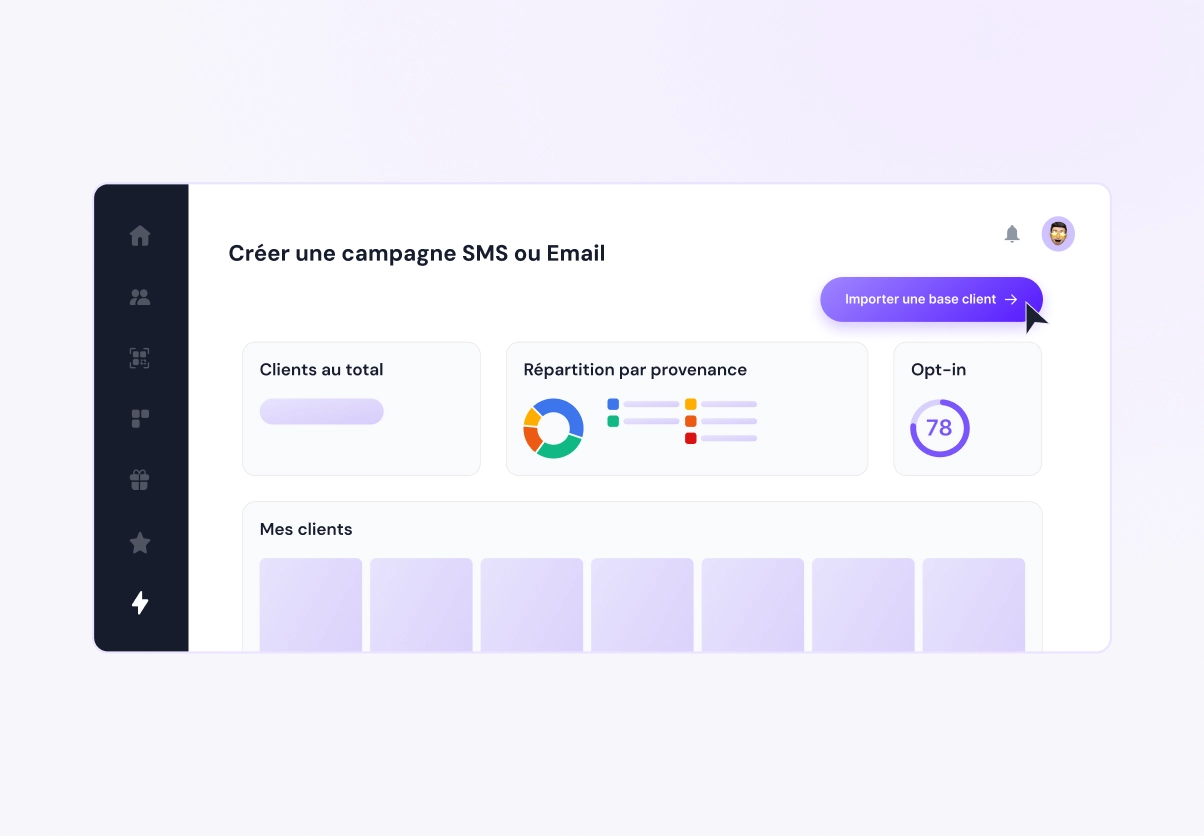
  • Import .xlsx or .csv with column mapping
  • Deduplication and fixes before import
  • Custom fields: card number, flagship location, preferences...
Customer base centralized in Up Review

You open a record,
You know everything.

How many times have they visited? How much have they spent? Which campaign did they get last month? Did they win your last Google review contest? The answer fits on one screen, and your team can leave a note on it.
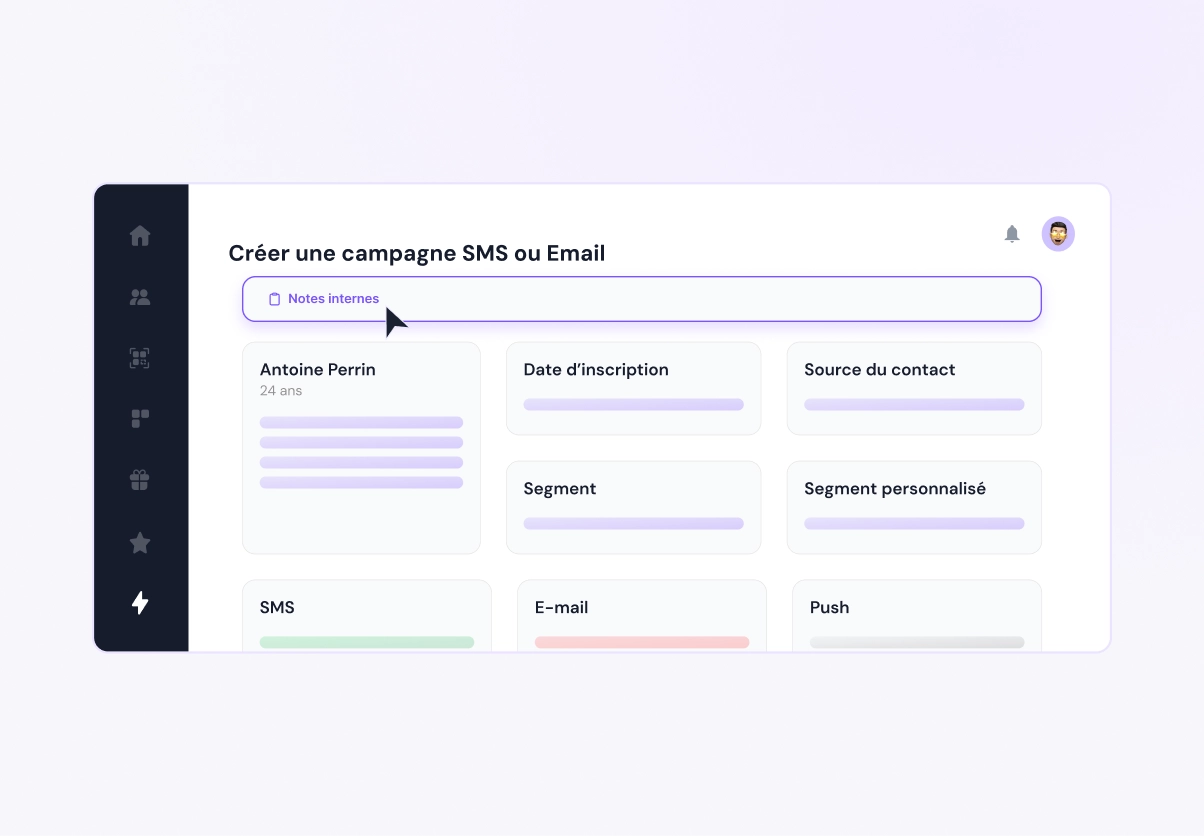
  • Transactions, visits and loyalty points in real time
  • History of SMS, emails and push sent to this customer
  • Internal notes visible to your team only
Detailed customer record in Up Review

On audit day,
you pull out just one PDF.

Collecting a number is easy. Proving you had the right to use it is another matter. Every consent is recorded with its source, its timestamp, the person who collected it and the exact version of the notice shown to the customer.

  • Opt-in per channel: SMS, email, push (WhatsApp soon)
  • Proof certificate exportable as PDF, contact by contact

Up Review records and produces the consent proof elements. Their validity is the responsibility of the data controller, that is, you.
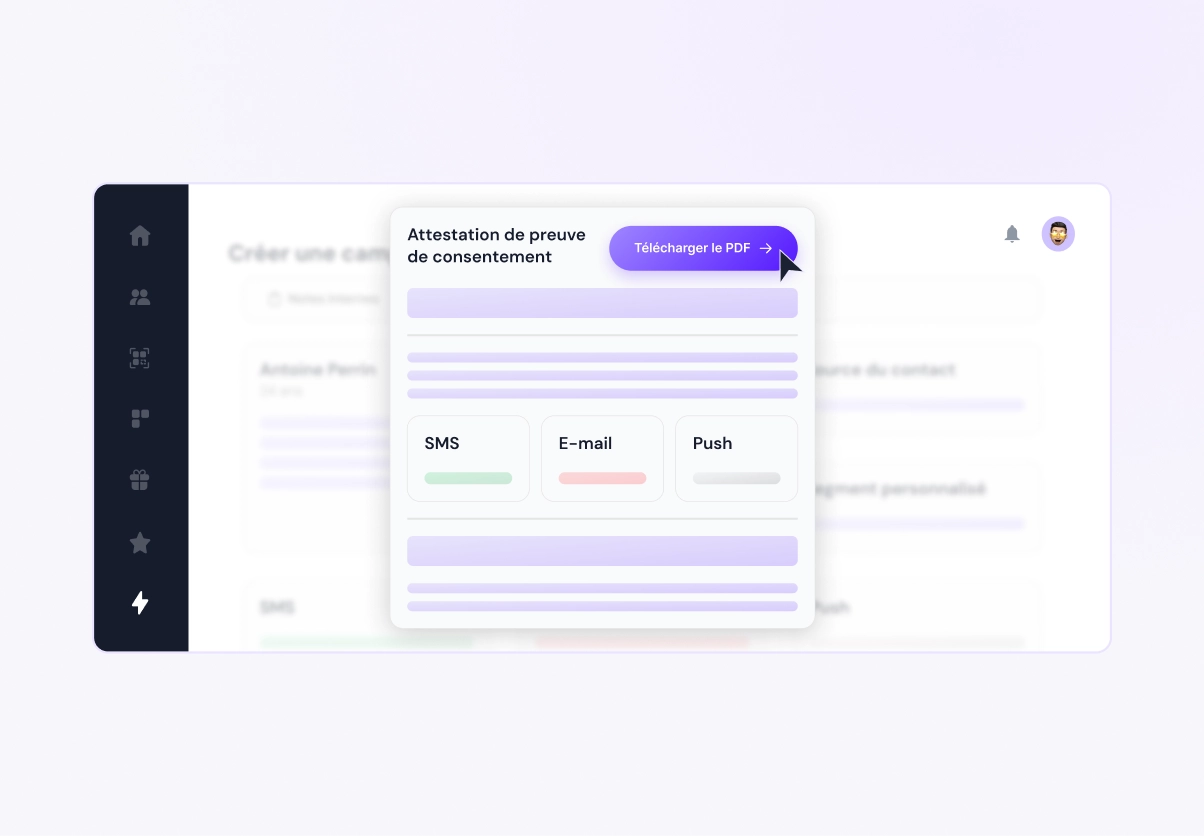
PDF export of GDPR consent in Up Review

The right segment beats the whole list.

Sending to your whole base is the surest way to drive your best customers away. Filter by visit frequency, amount spent, acquisition source or location, then launch the SMS or email campaign straight from your segment.
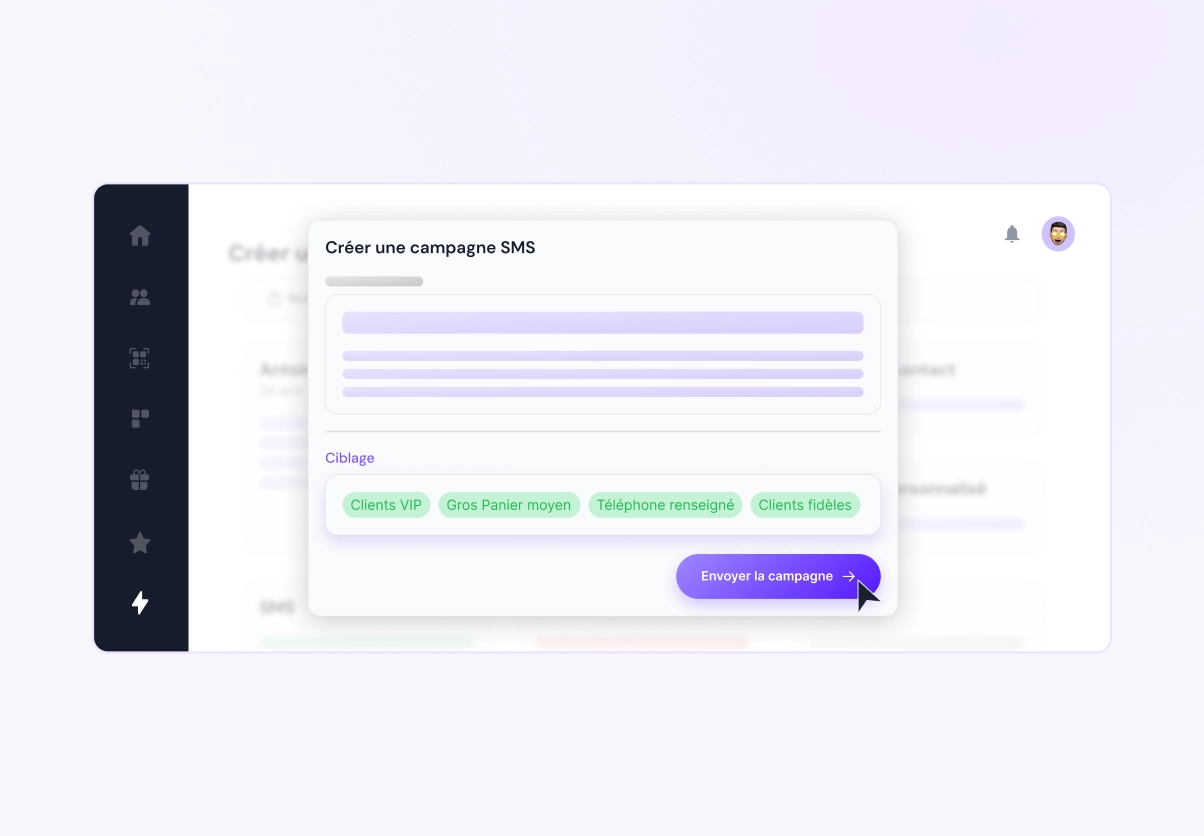
  • Automatic RFM segments: VIP, regulars, to re-engage, lost
  • Combined filters: location, source, country, opt-in, number of visits
  • Campaign launched in one click from the segment
Customer base segmentation in Up Review

Ready to launch
your customer base?

A centralized customer base, timestamped consent and segments that actually help. An expert guides you to set it up.

Frequently asked questions

What is a CRM for a small business?
A CRM (customer relationship management tool) for a small business is one customer list that records who your customers are, how to reach them and what they did with you. In Up Review, that list fills itself: every prize game entry and loyalty sign-up adds a contact with name, email, phone and birthday, so nobody types data at the register.
What is the best CRM for a small business?
The best CRM for a small business is the one your team actually uses. For a shop, restaurant or salon, that usually means a simple customer list that grows on its own and lets you text or email a group in a few clicks, rather than a sales pipeline built for B2B teams. Up Review includes its CRM in both plans, starting at 89 EUR a month before tax on a 12-month plan (see pricing).
What is contact management software?
Contact management software keeps everything you know about your customers in one place: contact details, visit history, tags and marketing consent. For a local business, the point is to reach the right people at the right time, not to manage a complex sales pipeline. Up Review lets you tag contacts, record opt-outs, and import or export the whole list as a CSV file.
Do I need a CRM if I already use a spreadsheet?
Yes, as soon as you want to message customers instead of just storing their numbers. A spreadsheet does not update itself, does not keep track of who opted out and cannot send a text. A CRM tied to your review and marketing tools adds new contacts automatically and lets you text a segment directly. You can start by importing your current spreadsheet as a CSV file.
What is customer segmentation?
Customer segmentation means splitting your customer list into groups that share a trait, so each group gets a message that fits it. A local business might target customers who have not come back in three months, customers with a birthday this month, or everyone who won a prize but never picked it up. In Up Review, each segment can receive its own text message campaign.
What is the best CRM for a service business?
The best CRM for a service business keeps each client's history and brings people back for the next appointment. Salons, auto repair shops and clinics live on repeat visits, so reminder texts and follow-ups matter more than deal tracking. Up Review combines the customer list with appointment reminder texts, birthday messages and review requests, all managed from the same dashboard.

Upy, Up Review’s AI

Upy is Up Review’s artificial intelligence assistant. Here, she answers your questions. Inside the platform, she helps local businesses every day.

On this website

  • She answers your questions about Up Review, pricing and your industry.
  • She summarizes an article or explains a passage you select.
  • She points you to the right page, guide or tool.

Inside the Up Review platform

  • She replies to every Google review in under 3 seconds. You approve, or she posts on her own.
  • She writes your SMS campaigns.
  • She analyzes your statistics and the topics that keep coming up in your reviews.
  • She guides you through the setup.

Upy is an AI: she can make mistakes. Always check before acting.