Google review contest

Your customers play.
You earn
Google reviews

Your customer scans, plays and leaves a Google review in under 30 seconds. Launch your Google review contest and collect 5× more reviews starting today.

92%

of consumers are more likely to leave a Google review when they can try their luck for free

74%

of customers share the Google review contest with friends and family. Every share attracts new customers.

+34%

more loyalty among customers who come and play the Google review contest.

81%

of participants share their contact details to play, so your customer database grows on its own.

3 steps, hundreds of Google reviews

Scan, play, reward. Your customers enjoy a unique experience and you collect 5-star Google reviews.

1Smartphone scanning an Up Review QR code with a gift at stake

Your customers scan the QR code

They reach your custom game through our displays: table stands, stickers, NFC plates and more.

2Prize wheel with an Add a review button

They complete the action of your choice

Leave a Google review, follow you on social media, answer a form and more.

3Gifts won in the Up Review Google review contest

They claim their gift!

Once the action is completed, reward your customers to build a bond and bring them back.

How does it work?

From creation to analytics, everything runs from your dashboard. No technical skills required.

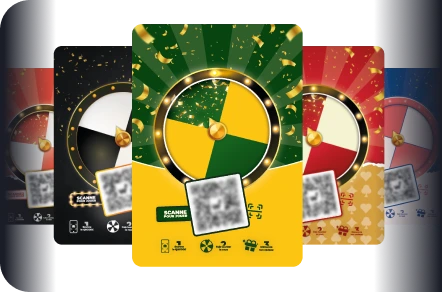
Up Review prize wheel and scratch games

1. Choose your game type

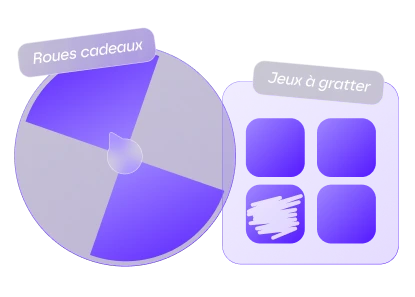
Prize wheel or scratch card: pick the format that best fits your business.

Customizing the Google review contest colors and logo

2. Customize the look and feel

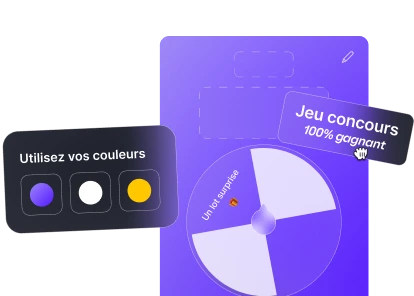
Match the game to your brand colors, add your logo and your visuals: an experience that is 100% you.

Google review contest goals, Google reviews and Instagram followers

3. Set your goals and your data

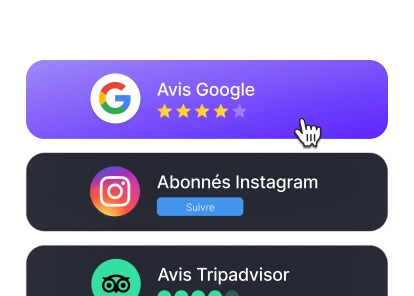
Google reviews, Instagram followers, TikTok followers… and the contact details to collect to grow your CRM.

Configuring the prizes and the winning odds

4. Configure the prizes and the odds

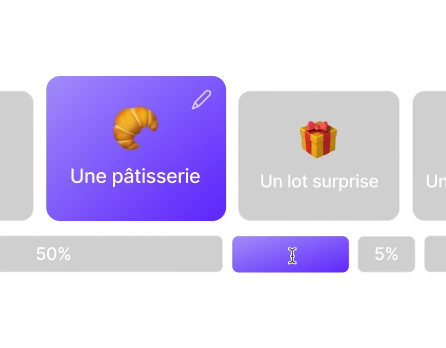
Set the rewards to match your business. A 100% winning game increases engagement up to 3× more.

Google review contest displays, table stands and stickers

5. Spread it across all your channels

Table stands, stickers, NFC plates, social media or emails: your Google review contest works everywhere.

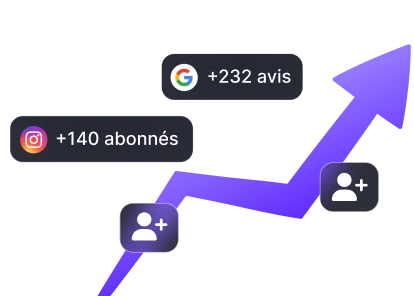
Growth curve of Google reviews and followers

6. Analyze your results

Track the impact on your Google reviews, your rating and your online reputation in real time.

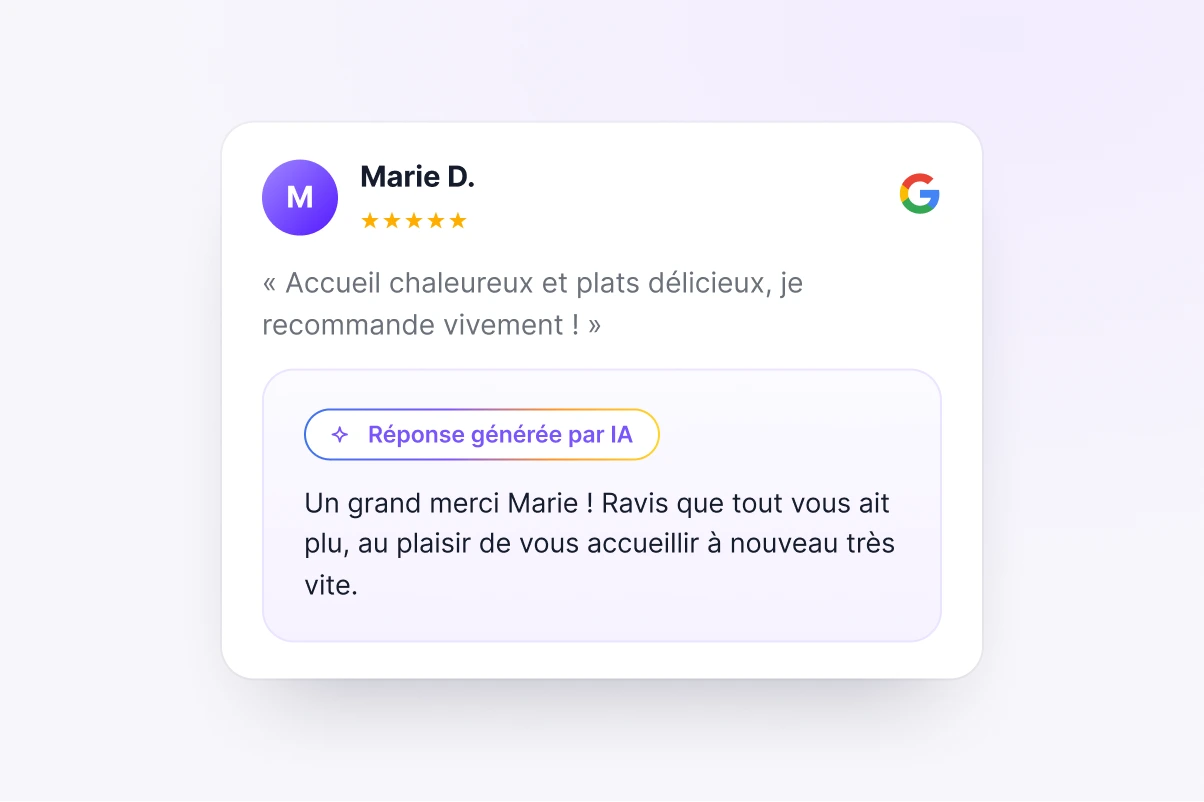
Reply to 100% of your Google reviews with AI

Reply to your Google reviews in 2 clicks. Upy, Up Review’s AI writes, you approve.

  • Optimized, human-sounding replies suggested by the AI
  • Save 12 hours per month
  • A better local ranking for your Google listing
Discover review management
AI reply to a Google review in Up Review

Turn your customer database into revenue

Put the data you collect to work to retain your customers and grow your revenue.

  • Targeted SMS campaigns to re-engage your prospects
  • Loyalty actions fueled by your data
  • A measured ROI: revenue and profitability tracked live
Discover CRM & campaigns
SMS campaign and measured ROI in Up Review

What is a Google review contest?

A Google review contest turns a visit to your store into a Google review. The customer scans a QR code, fills in a short form, completes the action you set, spins a prize wheel on their phone and collects their prize on site. No app to install, under a minute from scan to result.

Every entry also feeds your customer database: first name, last name, email, phone, date of birth, prize won and pickup date. That is what links the contest to the customer CRM and to your follow-up campaigns. A business running the Up Review contest collects around 200 extra Google reviews per month, and the platform has generated more than 500,000 reviews across all its clients.

Does a review contest comply with Google and FTC rules?

Keep the reward tied to taking part in the game, never to the content or the star rating of a review. Google's policy prohibits incentives in exchange for reviews, and the FTC rule on consumer reviews (16 CFR Part 465) bans conditioning a reward on a positive review. Up Review lets you set any action as the goal, from leaving an honest review to following you on Instagram or TikTok, and you decide how the contest is presented in store.

Our practical recommendation for US and UK businesses: ask for an honest review, make the prize about playing, and read our restaurant Google reviews guide before launch. If in doubt, use the contest to grow your customer base and your Instagram following, and let the review request stand on its own.

In-store marketing ideas that bring customers back

The in-store marketing ideas that work share one trait: the prize gives a reason to come back. A free coffee on the next visit, a discount on the next order, a product to try, a dessert for the next table. The customer wins today and spends tomorrow.

At McDonald's Pignan, eight restaurants launched the contest and their Google rating went from 2.8 to 3.7. At Maison Ravenel, a bakery chain, the contest passed 6,000 Google reviews in 10 months while the rating moved from 4.1 to 4.6. In both cases, players became contacts, reached again later by text.

How to run a contest in your store

Setting up a contest in Up Review takes a few minutes: you order the goals, configure prizes and odds, choose the data to collect, apply your colors and logo, then order the printed materials (counter stands, stickers, posters, flyers). The game design is included with a 12-month plan.

Goals chain without friction: a customer who already left a Google review on a previous entry is sent to the next goal, such as an Instagram follow. Nobody leaves two reviews, nobody gets stuck. The spin-to-win mechanics are detailed in our guide on using a prize wheel contest to get more Google reviews.

How many reviews can a contest generate?

A business equipped with the Up Review contest collects on average around 200 additional Google reviews per month. The figure depends on your foot traffic and on how visible the materials are, which is why the dashboard tracks entries, reviews, rating and contacts in real time.

The contest is included in both plans, Pro and Signature, priced in euros: see pricing. To estimate how many reviews you need to gain a tenth of a point, use the Google review calculator. And to reply to the reviews that follow, Google reviews management takes over.


Frequently asked questions

How does the Up Review review game work?
In five steps. The customer scans a QR code in your shop, fills in a short form, completes the objective you set such as leaving a Google review, spins the prize wheel on their phone, and collects their prize on the spot if they win.
Do customers need an app to play?
No. Everything runs in the phone browser, from the scan to the result. A customer in a hurry can take part in under a minute.
What happens if a customer has already left a review?
They are redirected automatically to the next objective you set, for example following your Instagram account. Nobody leaves the same review twice, and the customer is never stuck.
Does everyone have to win?
You decide. A fully winning mode gives a prize to every participant and maximizes the number of entries. You can also keep losing slots and reserve the prizes for some players.
What data do you collect from each entry?
First name, last name, email, phone and date of birth, along with the entry date, the prize won and whether it was collected. This information feeds your customer base directly.
Is a Google review contest a good in-store marketing campaign?
Yes, it is one of the simplest in-store campaigns to run. The customer plays on the spot, walks away with a prize and leaves a Google review along the way, which turns every visit into visibility and loyalty.
How do I run a contest in my store?
You set the prizes, display a QR code at the counter or on the tables, and the customer plays from their phone after their visit. No heavy setup: the wheel and the rewards are configured in a few minutes from your Up Review dashboard.
What are some in-store giveaway ideas?
A prize wheel with a reward on every visit works best in store: the customer wins a small perk, leaves a review and comes back to use it. A free coffee, a discount, a product to try, you pick prizes that make people want to return.
How many Google reviews can a contest generate?
It depends on your footfall, but a contest running at the point of sale typically multiplies your review collection, because every player is prompted to leave a review as they play. A steady flow of recent reviews is what lifts your rating over time.

Ready to launch your first Google review contest?

Your competitors are stacking up Google reviews while you read this. Book a 30-minute demo, no commitment.

Discover all our solutions

Six solutions to grow your reputation, all in one single platform.