Picture sending a message to 400 customers in 3 minutes, for under €25, and watching your tables fill up that same evening. That is exactly what bulk SMS marketing makes possible. Yet most restaurants, bakeries and bars still are not using this channel, often out of unfamiliarity or fear of getting it wrong.
This guide explains how it works, what it costs, and above all how to avoid the mistakes that end up being expensive.
What exactly is bulk SMS marketing?

Bulk SMS marketing means sending the same message, or a personalised message, to hundreds or thousands of people at once, through a web platform or an API. It is not a group text sent from your phone: it is a professional tool, with a dashboard, statistics and automatic unsubscribe management.
The principle is simple. You import your contact list (a CSV file is enough), write your message in 160 characters, choose a send time, and click. The platform handles the rest: delivery, opt-outs, and real-time statistics.
What sets SMS apart from other channels is its near-universal read rate. In 2025, according to data compiled by bonjourdata.io from MMA Global research, SMS achieves an open rate of 95 to 98%. By comparison, marketing emails are opened by around 20% of recipients, roughly ten times fewer.
A restaurant with 500 contacts in its database can launch a campaign for around €25 to €30 (excl. VAT). If just 5% of recipients show up that evening, that is 25 extra covers.
See our SMS marketing campaign examples for ready-to-use templates.
Why bulk SMS works so well for local businesses

Big chains have large advertising budgets. You have SMS, and that is an advantage, not a compromise.
Local businesses have something big brands do not: a personal relationship with their customers. The café owner who sends "Good evening Sarah, your favourite rosé just arrived" to a regular creates something no national campaign can replicate. Bulk SMS makes that relationship scalable.
An open rate nothing else matches
According to SendTargetSMS (SMS Marketing Statistics 2025), the average text message is read in under 3 minutes of arriving, and 90% of SMS messages are read within the first 4 minutes. By comparison, email marketing tops out at a 20% open rate, often hours after sending. No other channel comes close to these numbers.
That matters enormously for local businesses, whose offers are often tied to a specific moment: today's lunch special, an evening promotion, a table that has just freed up. An email sent at 11:30am might be read at 5pm, which is too late. A text sent at 11:30am gets read at 11:32am.
A measurable return on investment
Here is a concrete example. A bar sends 400 texts on a Thursday at 5pm (cost: around €20, excl. VAT). The message announces a happy hour from 6pm to 8pm. 8% of recipients show up, which is 32 people. With an average spend of €18, that is €576 in extra revenue for a €20 investment: a 2,780% ROI.
Our calculation: even with a conservative 5% turnout on 400 contacts, a €20 (excl. VAT) campaign generates 20 visits × €18 = €360 in revenue. The SMS pays for itself from the very first extra order.
This is not an exceptional case. It is the ordinary potential of a well-targeted SMS campaign for a local business.
SMS turns your customers into Google ambassadors
Here is the bonus that few businesses tap into. After every visit, an automatic SMS can ask your customer to leave a Google review. Sent 30 to 60 minutes after checkout, while the experience is still fresh, this message gets a click-through rate of 8 to 15%.
Google reviews directly influence your position in the Local Pack, the 3 map results shown at the top of Google. More reviews and a better rating mean a higher ranking and more new customers. The Up Review platform fully automates this flow: post-visit SMS, a direct link to your Google listing, and tracking of the reviews you receive.
The 5 types of bulk SMS for a local business
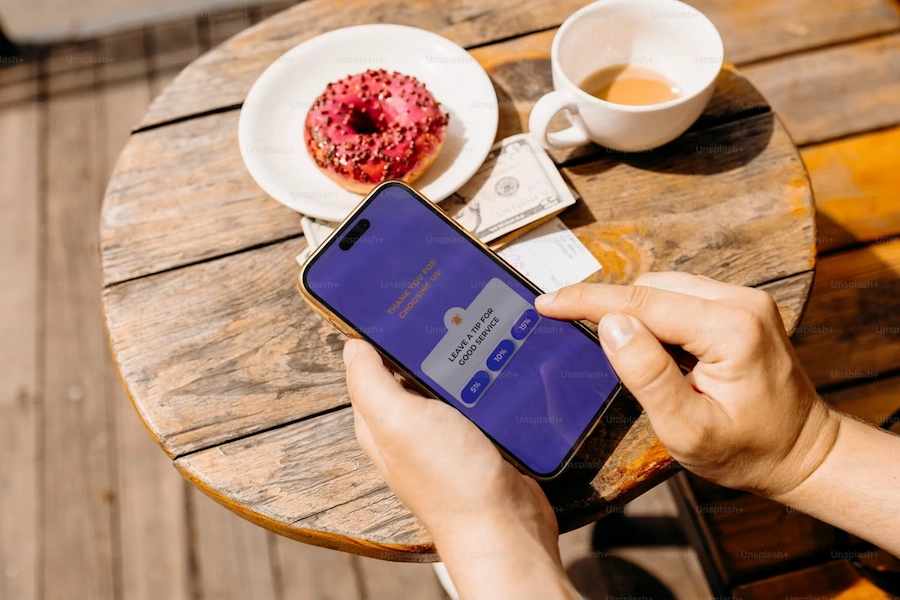
In 2024, Americans exchanged nearly 2.2 trillion SMS and MMS messages, according to CTIA's annual wireless industry survey, up 42 billion from 2023. Businesses tap into that volume for some very different use cases depending on the goal.
The promotional SMS
Use it for flash offers, sales and events. Example: "Happy hour tonight, 20% off: just show this text." It is the most widely used type. A restaurant can announce its daily special to subscribers every morning, for a weekly budget under €10, with an immediate impact on bookings.
The loyalty SMS
Targets birthdays and VIP programmes. Example: "Happy birthday! Enjoy 15% off for the next 7 days." According to data compiled by Médiaposte (SMS Marketing in Numbers, 2024), SMS recall reaches 60%, compared with 15% for TV. A personalised birthday text sticks in memory, unlike an email buried in an inbox.
The reminder SMS
This one covers bookings and appointments. Example: "Reminder: your table is booked for Friday at 8pm. See you soon!" Restaurants lose an average of 10 to 20% of their capacity to no-shows, and this type of SMS significantly cuts that rate.
The review request SMS
This is the most underused type. Sent after every checkout, it has the most lasting impact: every review you collect improves your local visibility for months. Example: "Your review helps us out, thank you! [Google link]."
The transactional SMS
This covers order confirmations and OTP codes. Example: "Your order is confirmed. Delivery between 6pm and 8pm." This type is not subject to the sending-hour restrictions that apply to commercial SMS.
How to send bulk SMS in 5 steps
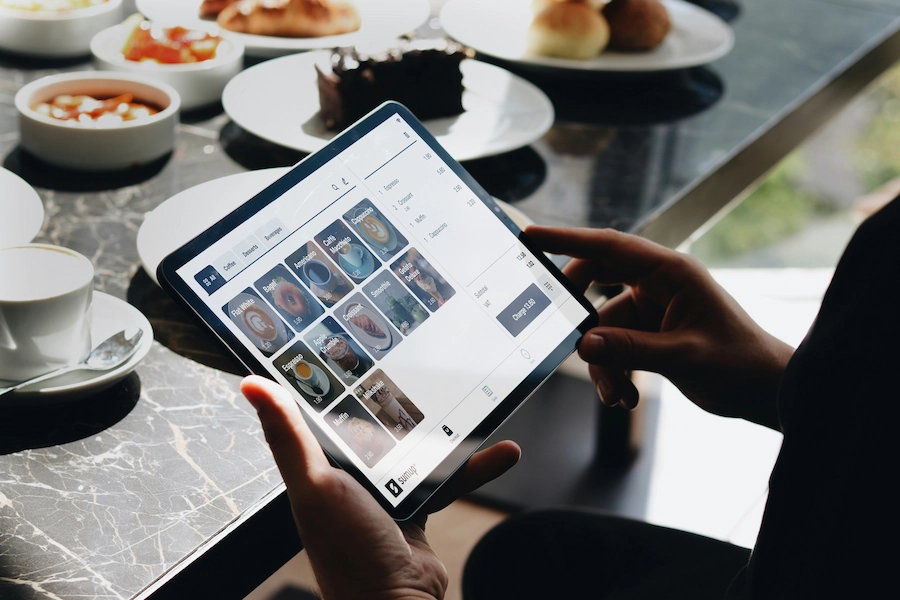
Here is the full process, from collecting numbers to analysing results. Setting up your first campaign takes about 30 minutes.
Step 1: build your opted-in contact list
You cannot send commercial SMS to people who have not agreed to receive them. This consent is called opt-in, and it is a legal requirement almost everywhere. In practice, the customer ticks a box, on paper or online, that says: "I agree to receive promotional texts from [your business]."
The best ways to collect opt-ins for a local business:
- A paper loyalty card with a tick box at the till
- A QR code on tables or in the window, linking to an online form (10 seconds to sign up)
- A prize game: entering means joining the SMS list
- An NFC plate: the customer taps their phone and the form opens
- Free Wi-Fi with a sign-up form
Never buy a list of phone numbers. A cold contact who never asked to hear from you will either unsubscribe immediately or report your number, and both outcomes damage your sender reputation.
Step 2: choose your sending platform
A professional SMS platform should let you import contacts (CSV or Excel), personalise messages (first name, custom fields), schedule sends, automatically manage opt-outs, and access real-time statistics.
For a local business, look for a solution with a simple interface, no minimum subscription, and responsive support. Some platforms offer free trial credits (between 10 and 100 SMS) so you can test it risk-free.
Step 3: write your message
An effective commercial SMS in 160 characters needs: an identifiable sender, a clear offer, a concrete benefit, a single call to action, a short link, and an opt-out. The technical section below explains in detail how to manage the character limit.
Example for a bakery:
"Fresh sourdough loaves in store from tomorrow morning! Reserve yours before 6pm: [link]. Martin's Bakery. Reply STOP to opt out."
Three common mistakes: cramming too much information into one text, no trackable link, a tone that is too formal. SMS is direct. Write the way you would talk to a customer standing in front of you.
Step 4: segment your recipients
Sending the same message to your entire list lowers relevance and increases unsubscribes. Split your contacts into at least two groups: active customers (visited within the last 3 months) and inactive ones. Active customers get loyalty offers, while inactive ones get a win-back offer with a bigger discount.
Step 5: analyse your results
After every campaign, check these 4 metrics: read rate (above 90% is normal for SMS), link click-through rate (10 to 30% depending on the offer), conversion rate (actions taken), and opt-out rate (below 2% is good, above 3% calls for a correction).
A high unsubscribe rate usually signals one of two things: you are sending too often, or the message is not relevant enough to the audience.
160 characters, encoding, sender name: the technical rules
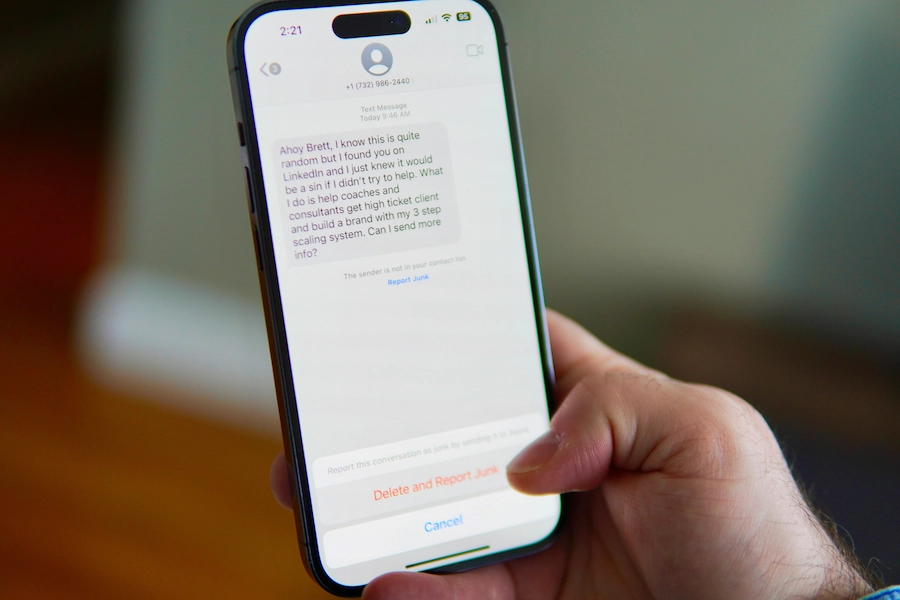
These three points make the difference between a campaign that costs what you expect and one that bills you twice as much. Most guides skim over them: here is what you actually need to know.
Short SMS, long SMS: when one message costs two
A standard SMS holds 160 characters in GSM-7 encoding, the universal SMS alphabet covering basic Latin letters, digits and common punctuation. As soon as you add certain characters outside that alphabet, the platform automatically switches to Unicode (UCS-2) encoding and the limit drops to 70 characters.
The characters that trigger this switch: emojis (all of them, without exception), the € symbol, curly quotation marks, and, depending on the platform, certain accented letters. A 90-character message containing a single emoji therefore becomes 2 SMS messages, billed separately.
When a message goes over 160 characters in GSM-7 (or 70 in Unicode), it becomes a long SMS, also called a concatenated SMS. Each additional part holds 153 usable characters (7 characters are reserved so the phone can reassemble the full message). Each part is billed separately: a 200-character message in GSM-7 counts as 2 SMS per recipient.
Practical tip: draft your message without emojis first and check your platform's real-time character counter. Your dashboard should show the number of SMS units you will be billed for before you hit send.
The custom sender name: 11 characters that change everything
The sender name (also called sender ID) is the name that appears instead of a phone number in your customer's messaging app. A text from "MartinsBakery" gets opened far more readily than one from "+33612345678".
The technical rule: a maximum of 11 alphanumeric characters, no spaces or special characters. The name should clearly identify your business. Professional platforms let you set it freely, as long as it does not resemble an emergency number or a generic term like "Promo".
One thing to know: when the sender is a custom name, your customer cannot reply to you directly by text. If you need a reply channel, some platforms let you combine a sender name with a dedicated virtual number for responses.
Short links and UTM tracking: measuring every euro you spend
A full URL can easily run past 60 characters, cutting your usable message down to 100 characters. Short links (through your platform's built-in tool or a service like bit.ly) solve that problem while adding a layer of measurement.
To track conversions in Google Analytics, add UTM parameters to your links before shortening them: utm_source=sms, utm_medium=marketing, utm_campaign=campaign-name. That way you will see exactly how many visitors and sales each send generates, separately from your other channels.
The average click-through rate on an SMS link is 15 to 30% depending on the type of offer (SendTargetSMS, 2025), making it one of the best-performing channels for driving traffic to a booking page or an online offer.
Frequency and timing: when to send without wearing out your list
The ideal frequency for a local business is 1 to 4 commercial texts per month per contact. Any less and you are under-using your list. Any more and your opt-out rate climbs, damaging a customer relationship you worked hard to build.
As for timing, the most effective slots vary by business type:
- Restaurants and bars: 11:15-11:30am for the lunch special, 5-5:30pm for evening promotions
- Bakeries and pastry shops: 7:30-8:30am, just before or at opening
- Retail shops: Wednesday and Thursday between 10am and midday, the peak for mobile attention during the week
Avoid Monday mornings (low receptiveness at the start of the week) and Friday evenings after 6pm (the weekend is starting, and planned purchase decisions are rare). In France, the af2m operator charter has tolerated Sunday and public holiday sending since March 2026, but it still advises against it, so keep that slot for the offers that genuinely need it.
What the rules say: GDPR, opt-in and sending hours
Sending commercial SMS is a regulated activity almost everywhere. In the EU, the main framework is the GDPR, alongside national e-privacy and electronic communications rules; most other regions have similar data protection and anti-spam requirements. The rules are not complicated: here is the essential in 4 points.
Opt-in is mandatory
Every recipient must have explicitly consented to receive your texts. That consent needs to be documented: date, collection method, and the exact wording the person agreed to.
An opt-out on every message
Every commercial SMS must end with a clear opt-out instruction, typically "Reply STOP to unsubscribe" (in some countries this is routed through a dedicated short code). As soon as a customer replies STOP, they must be removed from your lists immediately and permanently. Compliant platforms handle this automatically.
Permitted sending hours
Most markets keep commercial SMS inside reasonable daytime hours, but the source of the rule varies: sometimes a statute, sometimes an industry charter agreed between mobile operators.
France is a good example of the second case. No French statute sets a time window for marketing SMS. The rule comes from the Business Messaging charter published by the af2m, the association of the four French mobile operators, and every route that crosses a French network applies it in practice. Since 1 March 2026 the charter allows promotional messages between 8am and 9:30pm, recommends Monday to Saturday, and tolerates Sundays and public holidays while advising against them. Functional messages (delivery updates, authentication codes, replies to a request the customer started) fall outside these hours.
If you worked to the earlier version of the charter, two things changed in March 2026: Sunday is no longer off-limits, and the evening cut-off moved from 10pm to 9:30pm.
Always check what applies in your own market before scheduling a campaign, and whether it comes from law or from an operator charter.
Sender identification
Every SMS must clearly show who is sending it. You can customise the sender name (e.g. "Market Café") through your platform, which boosts recognition and open rates.
Under GDPR, data protection authorities can issue fines of up to 4% of global annual turnover for serious violations. For a local business, the real-world risk is usually simpler: an unhappy customer complaining after receiving texts they never agreed to.
How much does bulk SMS cost in 2026?
Bulk SMS pricing is tiered: the more you send, the less you pay per message. Here are representative price ranges for the European market, based on SendTargetSMS's pricing comparison (2025 data):
- 1,000 SMS: around €0.065 (excl. VAT) per message, or €65
- 10,000 SMS: around €0.049 (excl. VAT) per message, or €490
- 100,000 SMS: around €0.042 (excl. VAT) per message
- 250,000 SMS: around €0.037 (excl. VAT) per message
- 500,000+ SMS: around €0.035 (excl. VAT) per message
What this actually costs a small business:
A bakery sending 2 campaigns a month to 600 contacts spends roughly €80 to €90 (excl. VAT) a month. If just one campaign generates 20 extra sales at €8 each (a seasonal pastry, a specialty loaf, and so on), that is €160 in additional monthly revenue. The SMS pays for itself from the first extra order.
Check our pricing for SMS plans built for local businesses. To put a number on your own case rather than a market average, our SMS campaign simulator works out your cost, your estimated revenue and your break-even point from your own contacts and average basket.
Bulk SMS and Google reviews: the winning strategy for local SEO
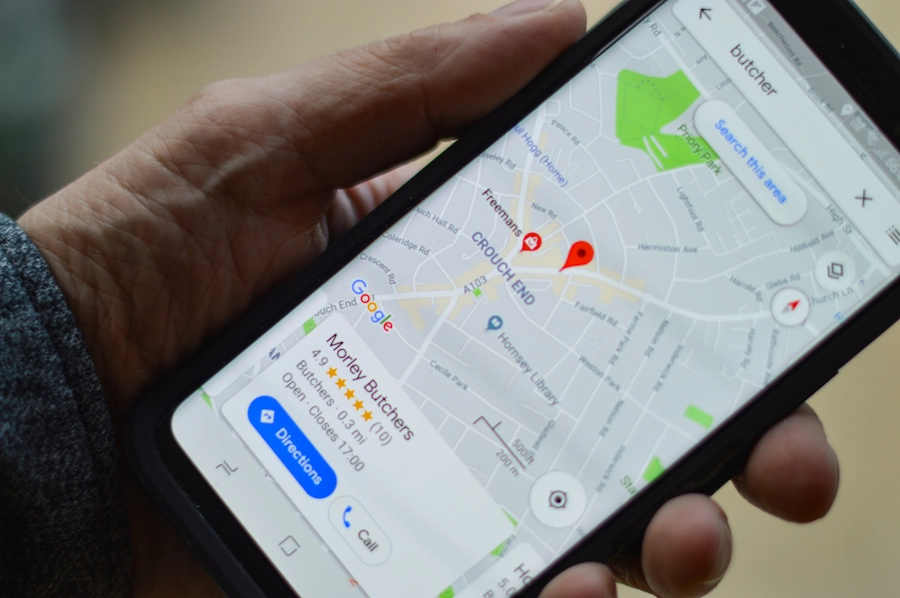
A commercial SMS fills the till tonight. A review-request SMS improves your visibility for the next 6 months. The two are not in competition: used together, they form the most cost-effective marketing strategy a local business can run.
Why Google reviews make the difference
In 2026, a business's Google rating is one of the top two decision factors when someone searches for a nearby restaurant, bakery or bar. A listing with 80 reviews at 4.7 stars will typically outrank a listing with 15 reviews at 4.9 stars in local results. Volume matters just as much as the rating.
Google review management is therefore a visibility lever just as important as your social media presence, and SMS is the most effective trigger for it.
The automated flow: SMS to review to ranking
Here is how it works with Up Review:
- A customer checks out or completes an order
- 30 to 60 minutes later, they automatically receive a text: "Thanks for stopping by! Your review helps us improve: [link]. Reply STOP to opt out."
- The customer taps the link and lands directly on your Google listing
- They leave a review in 30 seconds
- Your rating and review volume increase
- Google moves you up in the Local Pack
- New customers discover you
This flow can be fully automated. It requires no manual work after the initial setup.
Up Review observation: businesses that turn on this automated flow receive, on average, 3 to 5 times more reviews per month than those relying solely on a QR code or a verbal request at checkout. Case observed by the Up Review team: a restaurant using this automated flow received 51 new Google reviews in 3 months (from 47 to 98 reviews), climbing from 8th to 2nd place in its city's Local Pack. The effect on online bookings was visible from the first month.
Our client South Mixology relies on exactly this SMS-to-review flow after each service, turning what used to be an occasional review into a steady weekly stream without any extra staff time at checkout.
Key takeaways
Bulk SMS marketing is not a tool reserved for large companies. It is the most direct and most cost-effective channel for a local business, whether a bar, a bakery or a restaurant, that wants to fill its tables tonight and build its Google visibility for the long term.
Three actions to get started:
- Start collecting opt-ins at checkout this week (a paper form or a QR code)
- Launch your first promotional campaign with a platform's free trial
- Turn on automatic post-visit sending to collect Google reviews