![Encourage customers to leave a review: 8 methods that work [2026]](/images/blog/cover-inciter-les-clients-laisser-un-avis.webp)
Your customers are happy, but your Google profile stays stubbornly empty of reviews?
It's frustrating. And more than that, it's money left on the table. Customers rarely leave a review spontaneously, except when something has disappointed them. The result: your public rating doesn't reflect the real quality of your work.
👉 The good news is there are simple, perfectly honest methods to encourage your happy customers to speak up!
This guide gives you 8 of them, from good timing to automation, with a full rundown of what the law allows when it comes to rewards. Enough to turn your happy customers into genuine ambassadors.
It's part of our ultimate guide to getting Google reviews, which covers the overall strategy.
Why encourage your customers to leave a review?
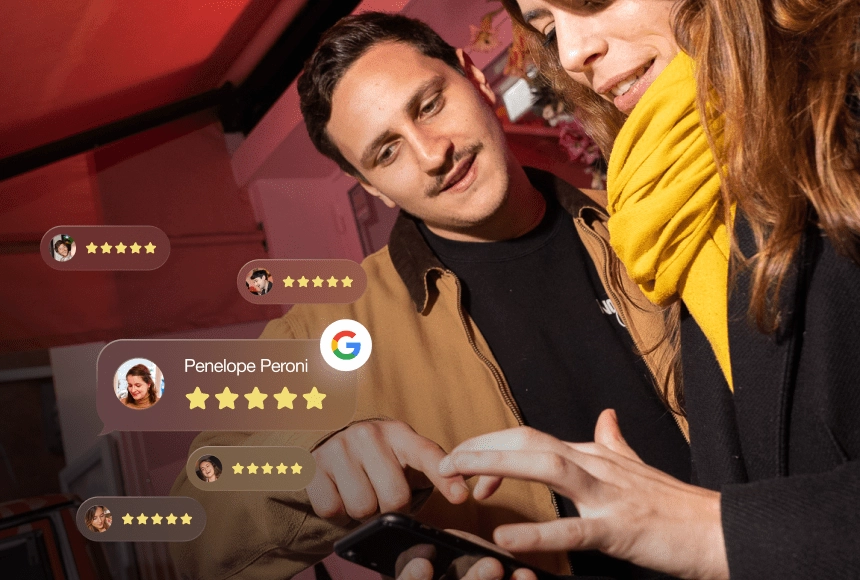
Encouraging your customers to leave a review means feeding a sales argument that works for you 24/7.
And the lever is powerful: 85% of consumers say a positive review makes them more likely to choose a business (BrightLocal, Local Consumer Review Survey 2026).
Before buying or walking through your door, nearly everyone reads your reviews first: 97% of people do it. Conversely, 47% immediately rule out a business with fewer than 20 reviews.
In practical terms, the more recent, positive reviews you have, the more you win on three fronts:
You reassure hesitant customers.
You climb in Google's local results: review signals alone account for around 17% of Local Pack ranking factors, and their weight keeps growing (Whitespark, Local Search Ranking Factors).
You gather useful feedback to improve.
👉 The problem is that your happy customers forget.
Your role is therefore clear: trigger the reflex and make it easy for them. That's exactly what the 8 methods below do.
The 8 methods to encourage your customers to leave a review
1. Ask for the review at the right moment
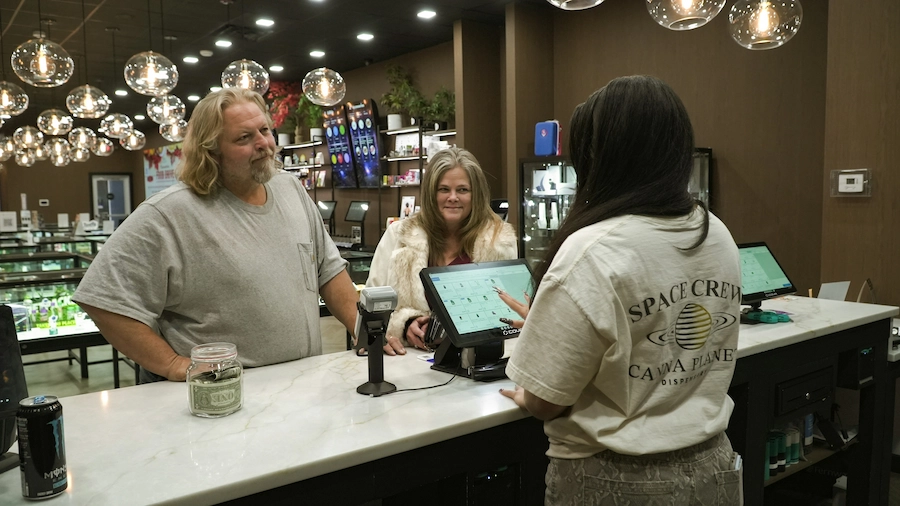
The right moment is right after a successful experience, while satisfaction is still at its peak.
A customer asked at that instant says yes easily. Followed up three weeks later, far less so. In practice, aim for the end of a meal while the customer is still at the table, the moment of payment, or the day after a successful delivery. Conversely, avoid begging for a review after a long wait or a mishap.
In that case, a sincere apology beats forcing a comment that isn't going to come.
Think about rideshare drivers too: they naturally ask for their 5 stars at the end of the ride. That reflex has become second nature for customers. You can use it as well.
2. Automate collection by SMS and email

Asking for reviews one by one, by hand, doesn't hold up over time.
👉 The solution is automation: after every visit or purchase, your customer receives a message with a link to leave their review.
Each channel has its strengths:
- SMS is quick to set up and delivers the best response rates, especially with a younger customer base and in local shops.
- Email handles large volumes better and suits a tech-equipped customer base.
- A QR code in store and an NFC plate at the till capture the review on the spot, right after the experience.
That's exactly what SMS campaigns let you do: you trigger a review request after every visit, without thinking about it, at the right moment, at scale.
Which channel should you choose to ask for a review?
| Channel | Response rate | Best moment | Best for |
|---|---|---|---|
| SMS | High | Right after the visit | Local shops, younger customers |
| Medium | The next day | Large volumes, tech-equipped customers | |
| QR code | High on site | During the experience | Table, counter, receipt |
| NFC plate | High on site | At checkout | Till, contactless, minimal effort |
| In person | Variable | At the end of the interaction | Direct relationship, paired with an SMS |
3. Make it as easy as possible
👉 Cut the journey down to a single action and a single link.
If leaving a review forces the customer to search for your profile, log in, then navigate around, most give up along the way. Every extra click means one fewer review.
- Drop a direct link to your review page into the SMS or email.
- Place a QR code on the table, the counter or the receipt: the customer scans it in two seconds. Google itself recommends this approach, a short link or a QR code (Google Business Profile Help).
- Set out an NFC plate at the till: customers just tap their phone against it. Our article on the NFC Google review plate explains how it works.
Finally, add this link to your email signature: with every exchange, the invitation sits right in front of the customer. The shorter the path, the more reviews you collect.
4. Offer an incentive, while staying transparent

A small reward can make the difference: 50% of consumers say they're more motivated to leave a review in exchange for a benefit.
A discount code, a gift in store or an entry into a prize game is often enough.
Watch out for one essential rule, though: you cannot buy a positive review. You reward the act of leaving a review, whether it's positive or negative. The law is clear on this. Across the EU, the Unfair Commercial Practices Directive requires honest, clear and transparent information about how reviews are handled, and transparency about any incentive offered.
A point people often forget: Google goes further than the law. Its policy bans any incentive offered in exchange for a review on its platform (Google Business Profile Help). So reserve rewards for your own collection channels, and never make a Google review conditional on one.
👉 A prize game that awards a prize in exchange for a review, on the other hand, is a fun and compliant way to boost your collection. And it drives foot traffic to your store too. We measured how a spin-to-win wheel generates 5 times more Google reviews.
We have seen this firsthand with our client Godo Sushi: running exactly this kind of prize game from opening day brought in over 1,400 reviews in just 10 months.
5. Train and motivate your team

Your staff are your best ambassadors. A customer who just had a good time is far more willing to leave a review if Sam, your sales assistant, asks them with a smile.
Start by breaking the taboo: there's no shame in asking for a review when the service has been up to scratch. You can even create some friendly internal competition. For example, a bonus for whoever brings in the most reviews of the month. It's a great morale boost for the team. And customers sometimes name the staff member in their comment, which makes the whole approach feel even more human.
6. Personalise and humanise the request
Choose your words carefully: a cold, automatic request works, but a sincere one works better.
👉 The human connection remains your best asset.
Three ingredients make a good request.
Acknowledgement first: "We hope you had a great time, your review would mean a lot to us."
Clarity next: specify the platform you'd like, Google for example, to avoid any confusion.
Simplicity last, with a direct link. A handwritten note on the bill or a warm smile can be enough to trigger the gesture. The idea is never to force it, but to show that the review would genuinely mean something to you.
7. Reply to every review, no exceptions
Replying to reviews isn't just a matter of politeness, it's a powerful lever for getting more of them.
And the expectation is huge: 89% of consumers expect a business to reply to their reviews, and 80% are more likely to choose a business that replies to all of them. When someone sees that you reply, they feel heard and are more inclined to leave their own review too.
A well-crafted reply reassures, whether it's a positive review you're thanking someone for or a negative one you're handling calmly with a concrete solution. Replying also feeds your local SEO: your reply rate influences your ranking on Google, and you can work your keywords and your city subtly into your replies.
👉 To keep up the pace without spending your whole day on it, AI-powered Google review management automates replies to reviews, while still leaving you in control of sensitive ones.
8. Stay consistent and showcase the reviews you receive
Repeat the same invitation everywhere your customers encounter you: Google, Facebook, your website, your local listing. Same contact details, and a clear call to action along the lines of "Leave us a review." A consistent message makes the habit stick.
Remember to showcase the reviews you get, too. Highlight the best comments on your social channels, your shop window or your website, the way our customer success stories do. Your customers feel recognised. And those who haven't left a review yet see that theirs will be read and appreciated.
It's a virtuous circle: the more you showcase reviews, the more you receive.
What the law says about rewards and reviews
Before launching a prize game or offering a gift, set the ground rules. Three principles govern the practice.
1. Google bans any reward in exchange for a review on its platform. Its policy prohibits offering money, a gift or a benefit for a Google review, just as it bans discouraging negative reviews or soliciting only happy customers (Google Business Profile Help). A review obtained through payment can be removed, and the profile penalised.
2. A compliant prize game rewards participation, not the review. The distinction is decisive: the customer enters the draw or spins the wheel whether they leave a review or not, and the content of their review has zero influence on the prize. You're not paying for a positive review, you're running a promotion at your point of sale. That's what separates a legal mechanic from a misleading commercial practice.
3. Consumer-protection law requires transparency about how reviews are handled. Across the EU, the Unfair Commercial Practices Directive requires honest, clear and transparent information about how reviews are collected, moderated and published. In the United States, the FTC's rule on consumer reviews and testimonials treats publishing fake reviews, filtering reviews by rating or hiding a paid incentive as a deceptive commercial practice.
👉 In short: reward the action, never the content. And say so clearly to your customers.
How should you phrase your review request?
No need for a long speech. A short, warm message with a direct link is enough.
Rather than reinventing your wording every time, lean on scripts that already work: our dedicated article gathers examples of messages for requesting a Google review, by SMS, email, in person and via QR code, ready to copy and personalise.
Conclusion: encourage your customers to leave a review
Encouraging your customers to leave a review isn't complicated.
- Ask at the right moment
- Make it easy
- Automate the request
- And reply to every single one
Put together, these habits transform your online reputation, your visibility on Google and, ultimately, your revenue.
To shift up a gear without spending all your time on it, Up Review automates collection by SMS and email, makes leaving a review effortless, and helps you reply at scale.