Your customers look things up on their smartphone before they even walk into your shop. They compare prices, read reviews, check your opening hours. Physical retail has not disappeared, but it has changed profoundly. Businesses that fail to offer a consistent experience between their online presence and their physical store lose customers to better-positioned competitors, often without even realising it.
Store digitisation is no longer a project reserved for big-box retailers or national brands. It has become an accessible reality for every business owner, from local shops to franchise networks, with concrete tools, often affordable, and measurable results.
Our client Sax-Spécialités-Fromagères digitised its point of sale with a QR code at the till, turning walk-in shoppers into a steady stream of Google reviews.
What is store digitisation?
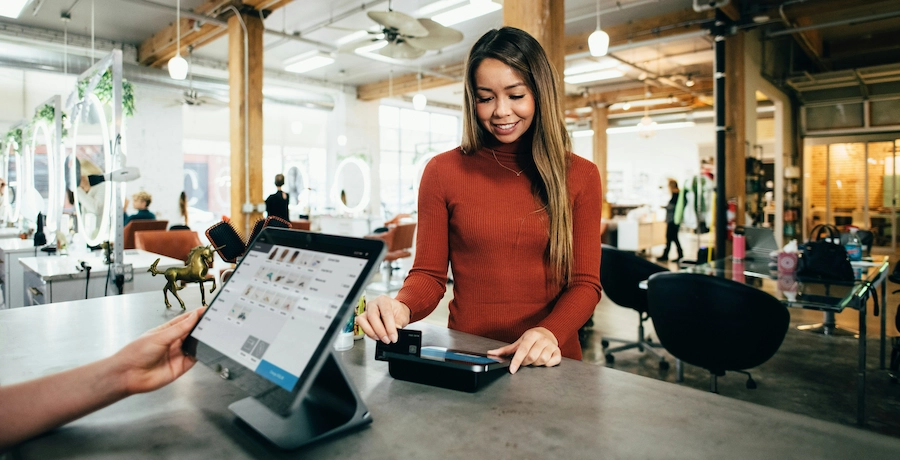
Store digitisation means integrating digital tools and technologies into how a physical business runs, to improve the customer experience, internal operations and the sales channels available, all at once.
This concept, often called "phygital" (a blend of physical and digital) or "connected retail", represents the convergence of traditional retail and e-commerce. It is not about replacing the physical shop, but about enhancing it.
The difference between web-to-store and store-to-web
Two complementary flows shape the digitisation of local retail.
Web-to-store describes the journey of a customer who starts online: they search for a product on Google, check reviews, confirm availability, then visit the shop to complete the purchase. This flow accounts for a growing share of in-store transactions.
Store-to-web works the other way round: the customer discovers a product in-store, tries it, then orders online, sometimes from you, sometimes from a cheaper competitor. Digitising your store can capture this flow and direct it towards your own online sales channel instead of the competition.
The phygital store: a concrete definition
A phygital store is a physical business that uses connected tools to transform one or more aspects of how it operates: customer experience, purchase journey, internal management, communication, loyalty. It is not a question of budget but of strategy: an independent retailer can be further along in digitisation than a national chain simply by adopting the right tools in the right order.
Why digitise your store: the benefits

Digitisation delivers five measurable benefits for physical businesses that commit to it seriously.
Improve the customer experience and build loyalty
Consumers now expect a personalised experience, whatever channel they use to interact with your business. According to BrightLocal (Local Consumer Review Survey 2025), 83% of consumers use Google to check out local businesses before visiting them. A shop with a poor digital presence loses visits before the customer even walks through the door.
Customers enrolled in digital loyalty programmes are also likely to spend more: 56% of consumers say they increase their spending with a brand because of its loyalty programme, according to Deloitte's 2025 Consumer Loyalty Program Survey. Personalisation is one of the most powerful levers for increasing average order value.
Drive more foot traffic with digital tools
Online visibility has become the number one driver of foot traffic. A well-optimised Google Business Profile, regular customer reviews and a rating above 4 stars generate directly measurable visits. This lever is accessible to every business, with no advertising budget required.
Optimise internal operations
Digitising inventory, scheduling and order management reduces operating costs and human error. These gains stay invisible to customers but are decisive for profitability, especially once you move to a multi-site setup.
Collect and activate customer data
For a physical business, the in-store customer is often a stranger: no name, no contact details, no purchase history. Digitisation fixes this blind spot by making it possible to collect contact data with consent: phone number, email, preferences, visit frequency.
Adapt to new shopping behaviours
According to the NewStore 2024 Omnichannel Retail Report, over 50% of customers now engage across three to five channels during a single shopping journey, for example starting on a smartphone, moving through a local search and ending in the physical store. A business that is not visible across these channels loses customers at every stage of the journey.
The essential digital tools for your store
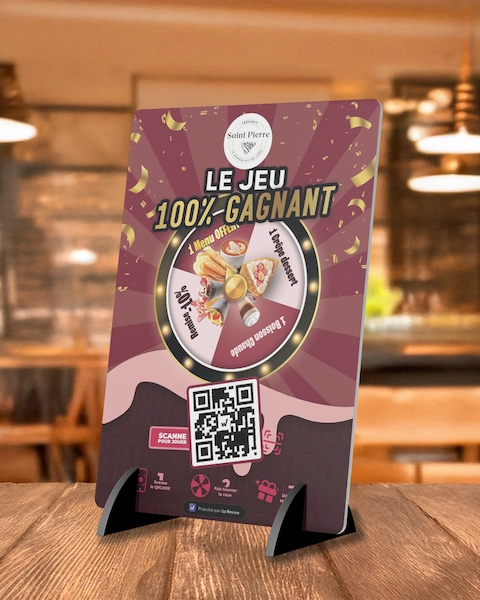
Digitisation tools fall into six categories, each acting on a different lever of your business.
1. Modern POS software
Digital point-of-sale software sits at the heart of digitisation. It centralises sales data, manages stock in real time, integrates with loyalty platforms and makes analytics reporting easier. Solutions like Zelty, Lightspeed or Tactill offer native integration with third-party tools (loyalty programme, online payment, scheduling).
2. Self-service ordering and payment kiosks
Interactive in-store kiosks cut waiting times, free up staff for higher-value tasks and personalise the customer experience with targeted offers, upselling and direct access to the loyalty programme. Long common in fast food, they are now spreading across retail more broadly.
3. The digital loyalty programme
A virtual loyalty card, accessible via QR code or a tablet at the till, lets you build a usable customer database. It is the central tool of a digital loyalty strategy: it collects contact details, segments customer profiles and feeds your communication campaigns.
4. Customer relationship management (CRM)
A marketing CRM built for physical businesses lets you communicate with customers across every channel: SMS, email, WhatsApp, push notifications. It gives you a unified view of each customer, whatever channel they use to interact with your business, and lets you trigger automated campaigns (welcome message, win-back after inactivity, birthday offer).
5. Customer review collection tools
Google reviews are the number one decision factor for consumers discovering a new local business. Automating collection at the right moment in the customer journey, via SMS or email after each transaction, multiplies the volume of reviews you receive and improves your average rating. Platforms like Up Review let you centralise Google review collection, automate requests and track your online reputation from a single dashboard.
6. Inventory and scheduling management tools
Forecasting-based inventory management reduces waste, optimises purchasing and improves product availability. Tools like Inpulse (for restaurants) or modules built into POS software help you anticipate demand and reduce stock-outs, the number one source of frustration at the point of sale.
How to digitise your store in 7 steps
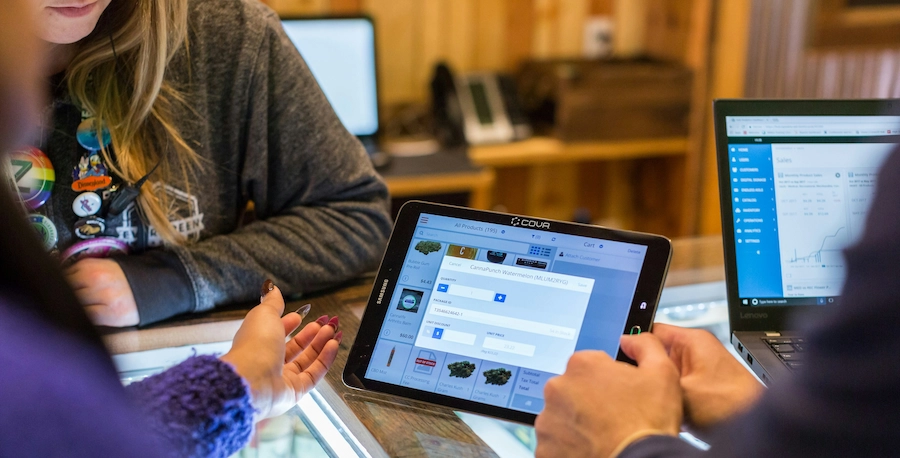
Here is a structured method for rolling out the digitisation of your physical business, in a logical order that maximises results at every step.
Step 1: optimise your Google Business Profile
This first step is free and delivers results within a few weeks. Fill out your Google Business Profile with your exact opening hours, phone number, quality photos of your shop and products, and a precise description of your business. This listing is your main digital shopfront: it is what appears when a customer searches for your type of business in your neighbourhood.
Step 2: start collecting customer reviews
Google reviews are the most powerful trust signal for new customers. Set up a systematic process for requesting reviews, triggered automatically after each transaction or visit. A QR code on your receipt or an SMS request sent right after the visit are the most effective methods.
Step 3: choose the right POS software
Switch to modern POS software if you have not already. Make sure it integrates with your other tools (loyalty programme, contactless payment, inventory management) and produces usable data on your sales, products and customers. For restaurants, our comparison of restaurant management software reviews 20 solutions, POS systems included.
Step 4: roll out a digital loyalty programme
Replace the paper loyalty card with a digital solution. A digital loyalty programme, accessible via QR code or a tablet at the till, lets you collect your customers' contact details with their consent and offer them personalised rewards.
Step 5: create a website or a simple showcase page
Even a minimal one, a professional website strengthens your credibility, improves your local search rankings and lets customers find you outside opening hours. A simple showcase site is enough for a local business, as long as it is optimised for mobile search and includes your contact details, opening hours and photos.
Step 6: activate your digital communication channels
Once you have built a customer database, start communicating with them regularly and personally. SMS is the most effective channel for promotions and events: its open rate tops 90% within 15 minutes of being received. Email is better suited to brand content and less urgent communications.
Step 7: connect your sales channels
The last step is connecting your physical shop with your online channel: click and collect, delivery from the store, checking stock online before visiting. This omnichannel strategy captures customers who prefer to buy online while still generating foot traffic in-store.
The omnichannel strategy: connecting your physical store and digital presence
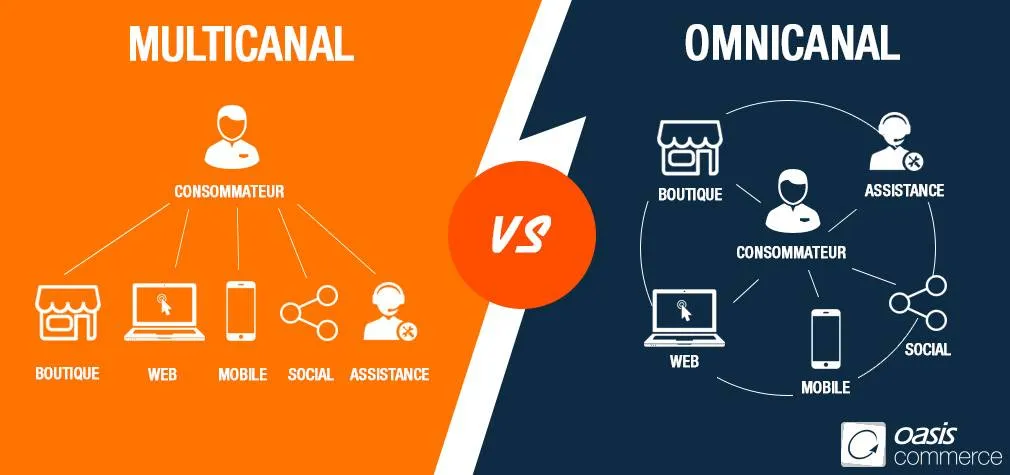
A successful omnichannel strategy relies on a consistent customer experience across every sales and communication channel. Customers should feel recognised and valued whether they buy online, by phone or in-store.
The four pillars of omnichannel retail
Unified data: every customer interaction, whether it happens in-store, on your website or through your app, feeds into a single profile. This consolidated view enables personalised communications and relevant offers.
Consistent pricing and offers: your online and in-store prices should match. A perceived difference breeds distrust and pushes customers to look for alternatives.
Multichannel availability: your stock should be visible online, and your customers should be able to order online for in-store pickup (click and collect) or for home delivery from your shop.
Continuity of the customer relationship: a customer who has contacted your support team by email should not have to explain their issue again when they visit the store. Continuity of information is a strong signal of professionalism.
Cross-channel vs multichannel: what is the difference?
Multichannel means being present across several sales channels that operate independently. Cross-channel involves coordination between those channels (for example, a promotion launched by SMS that can be redeemed in-store). Omnichannel goes further still, fully unifying the customer experience across every channel.
For a local business just starting out, multichannel is a realistic first step. The medium-term goal is to reach a cross-channel approach that strengthens the consistency of the customer relationship.
How to measure the return on investment of your digitisation

Digitisation is an investment of both time and money.
Here are the 3 key indicators to track its impact:
1. Local visibility metrics
The number of views on your Google Business Profile, the calls generated, direction requests and clicks through to your website are the most direct indicators of your digitisation's impact on foot traffic. This data is available for free in Google Business Profile.
2. Loyalty metrics
The customer return rate (the percentage of customers who come back at least once within 90 days), the average order value of loyal customers, and the open rate of your SMS and email communications all measure how effective your digital loyalty tools are.
3. Online reputation metrics
Your average Google rating, the monthly volume of new reviews and your average response time to reviews (both positive and negative) all signal the health of your online reputation. A Google rating below 4 stars significantly reduces the click-through rate to your listing in search results.
Assess your digital maturity before you start
Before investing in new tools, take an honest look at where you currently stand: is your Google listing complete and up to date? Do you have a website indexed by Google? Do you have a customer database with contact details? Do you accept contactless payment? These four elements make up the minimum foundation for store digitisation.
Conclusion: digitising your store
Digitising your store is not a million-euro, or million-dollar, project reserved for big retail chains. It is a gradual transformation, accessible to every business owner, that starts with the simplest actions (Google Business Profile, review collection, POS software) and builds progressively towards a complete omnichannel strategy.
Businesses that have made the shift consistently report the same benefits: more traffic, more loyal customers, more data to inform decisions and communication. Those who have not yet made the shift are losing customers every day to competitors who have made themselves more visible and more accessible.